
Daniel Ploskonka

I am a professional UX / UI Designer & Front-End Developer

Contact me Visit my portfolio

[column size=”12″ class=””] [resume_box icon=”speech43″ icon_color=”blue” title=”Hi, I’m Daniel”] [lead] I am a UX & UI Designer who has a passion for solving problems with design, HTML, CSS and Javascript.
[/lead]

As a UX & UI Designer, I am driven by a deep passion for problem-solving through design, utilizing my expertise in HTML, CSS, and Javascript. Since 2006, I have dedicated myself to making the Internet a better place, one application at a time. Throughout my journey, I have had the privilege of working on numerous exciting projects for diverse companies across the UK, USA, Poland and Australia.

Explore my website and discover the innovative solutions I have crafted. If you have any inquiries or are interested in hiring me as your consultant, UX/UI/Product Designer, or Website Developer, please don’t hesitate to get in touch. Whether you prefer to give me a call or simply send a message, I am eager to connect with you. I look forward to the opportunity of collaborating with you and bringing your vision to life.

See my portfolio Contact me[/resume_box] [/column] [column size=”6″ class=””] [resume_box icon=”document56″ icon_color=”yellow” title=”Work & Experience”] [timeline] [timeline_event title=”LEAD FRONT-END DEVELOPER  @ Nordea” subtitle=” Leading the Front-End team in developing a new Angular application, utilizing Nordea’s component library,
creating custom components, and writing services that interacted with APIs using the RXJS paradigm.
Overseeing UX design process.” period=”Aug 2023 – Present”] [timeline_event title=”SENIOR UX DESIGNER  @ Develocraft for S&P Global” subtitle=”UX Design of an innovative new analytical product in Maritime & Trade sector.” period=”Jul 2022 – Aug 2023″] [timeline_event title=”SENIOR UX/UI DESIGNER  @ Inner Circle for Fire Rescue Victoria” subtitle=”UX Design of a new internal application used by firefighters” period=”Nov 2021 – May 2022″] [timeline_event title=”SENIOR UX/UI DESIGNER  @ Inner Circle for AGL Energy” subtitle=”UX Design of marketing insights and reporting tools ” period=”Sep 2021 – Nov 2021″] [timeline_event title=”SENIOR UX/UI DESIGNER / FRONT-END DEVELOPER @ WISE SYNC” subtitle=”SASS PRODUCT  UX /UI Design and Front End Development in Vue.js” period=”Mar 2020 – May 2021″] [timeline_event title=”SENIOR UI DEVELOPER @ ACCENTURE for COLES” subtitle=”Design and Development for Coles.com.au. Implementing Campaigns, Improvement to Inspire and Create.” period=”Apr 2019 – Mar 2020″] [timeline_event title=”SENIOR UX/UI DESIGNER | ANGULAR @ EQUIFAX” subtitle=”Design and front end development of a new Data Capture application used for credit product.” period=”Oct 2018 – Apr 2019″] [timeline_event title=”SENIOR FRONT-END DEVELOPER @ KNOSYS” subtitle=”Design and development of new functionalities of knowledge managment platform. UX/UI/Accessibility improvements.” period=”Dec 2016 – Oct 2018″] [timeline_event title=”LEAD UI DEVELOPER @ HEATHWALLACE” subtitle=”Lead UI development of hybrid mobile banking app focusing on performance, semantics and accessibility.” period=”Sep 2016 – Dec 2016″] [timeline_event title=”UI/UX DESIGNER @ CENGAGE” subtitle=”UX / UI design of e-learning / ebook platform. Redesign of key landing web pages.” period=”May 2016 – Sep 2016″] [timeline_event title=”UI/UX DESIGNER / FRONT END DEVELOPER @ Kiandra IT” subtitle=”Internal systems redesign and development for RACGP. UX/UI/Front-End.” period=”March 2016 – May 2016″] [timeline_event title=”DIGITAL DEVELOPMENT MANAGER @ Trilogy / Perth, AU” subtitle=”Web / UI Design, Front End Coding / Managing development resources ” period=”Nov 2014 – Nov 2015″] [timeline_event title=”WEBSITE DESIGNER @ IINET / Perth, AU” subtitle=”Web / UI / UX / Front – End Developer. Over the period of 2 years I’ve designed and developed micro sites, landing pages, EDM’s etc. Designed and coded the front-end of JIVA as well I came with concepts for current iiNet’s website. Implemented CSS framework. ” period=”Nov 2012 – Nov 2014″] [timeline_event title=”WEB / GRAPHIC DESIGNER @ R2 INTERNATIONAL / London, UK” subtitle=”web design and development for R2 International’s clients. Building websites from scratch Developing Templates for WordPress and PrestaShop. Biggest achievement: Branding Gamucci.com Designing all marketing materials, designing 3d product mockups. Design and development of gamucci.com/shop which boosted sales by 20000%. Print Design for all Marketing Materials such as , banners, popups, roll banners, etc.” period=”Mar 2011 – Oct 2012″] [timeline_event title=”INTERACTIVE DESIGNER @ PARTYGAMING / London, UK” subtitle=”jpg banners, converting swf to gif banners, flash banners design, landing pages design, newsletter design and XHTML + CSS coding, fixing issues on landing and promo pages” period=”Sep 2010 – Dec 2010″] [timeline_event title=”WEB DESIGNER @ THINK MEDIA NET / London, UK” subtitle=”web design, static banners design for Thinkmn.com, designing website content (typography), developing website 360studios.me (converting XHTML to WordPress), design all graphic content for 360studios.me” period=”May 2010 – Sep 2010″] [timeline_event title=”GRAPHIC DESIGNER / WEB DESIGNER @ 4UK MEDIA GROUP / London, UK” subtitle=”Website Design, XHTML + CSS / PHP, design and development from scratch:greenmarkcarpentry.co.uk, saraint.co.uk, festiwalcooltury.co.uk, design adverts for weekly magazine (PRINT), administration and editing elondyn.co.uk, prl24.net, redesign: cooltura.co.uk/koncerty” period=”Nov 2009 – Jul 2010″] [timeline_event title=”Web Designer @ HURLINGHAM GROUP / London, UK” subtitle=”Website Design, XHTML + CSS / PHP/ WordPress, design and developing from scratch: hurlinghamgroup.com, oxsicoat.com, converting XHTML to WordPress CMS” period=”Sep 2009 – Dec 2011″] [/timeline][/resume_box][/column] [column size=”6″ class=”col-md-6″] [resume_box icon=”mouse19″ icon_color=”red” title=”My Specialties”] [specialty icon=”bulb11″ title=”UX/UI/Product Design”]Research, Wireframing, Prototyping[/specialty] [specialty icon=”codings1″ title=”Front-End Development”]HTML, CSS / SASS, JS[/specialty] [specialty icon=”document56″ title=”eCommerce”]Online store design and conversion optimization.[/specialty][/resume_box] [resume_box icon=”joystick4″ icon_color=”violet” title=”Hobbies & Interests”][interests][interest_item title=”Photography”] [interest_item title=”UX & UI Design”] [interest_item title=”Snorkeling & Diving”] [interest_item title=”Snowboarding”] [interest_item title=”Martial Arts”] [interest_item title=”Beer Brewing”] [/interests][/resume_box] [/column] [column size=”4″ class=”col-md-6″] [/column]

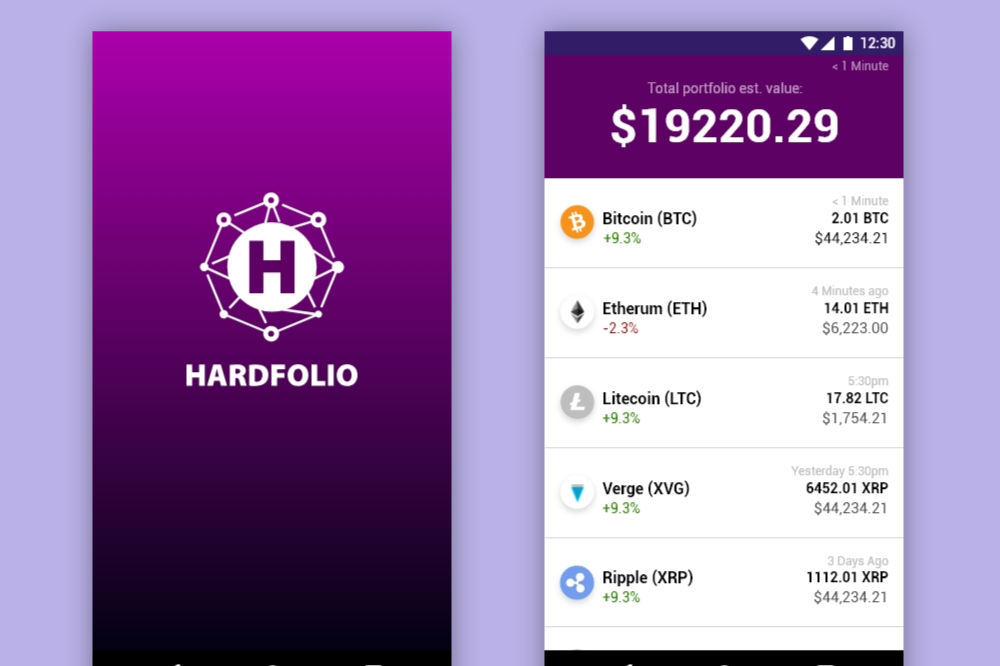
Hardfolio – Mobile crypto wallet design
App Design / UI Design / UX Design
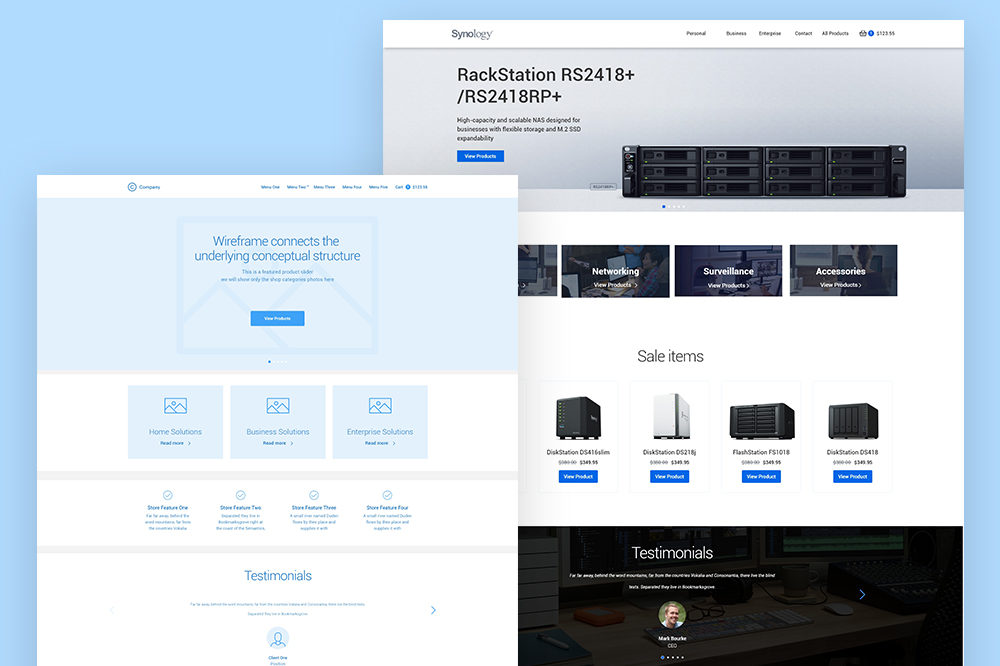
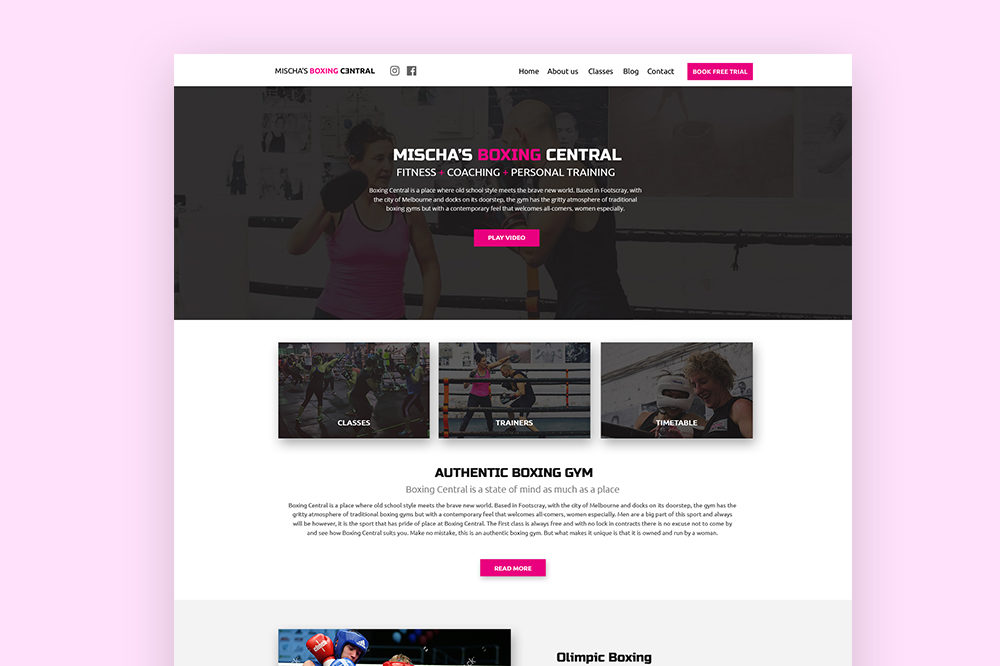
eCommerce UX UI Design and WordPress Implementation
Front End Development / UI Design / UX Design / Web Design / WordPress Development
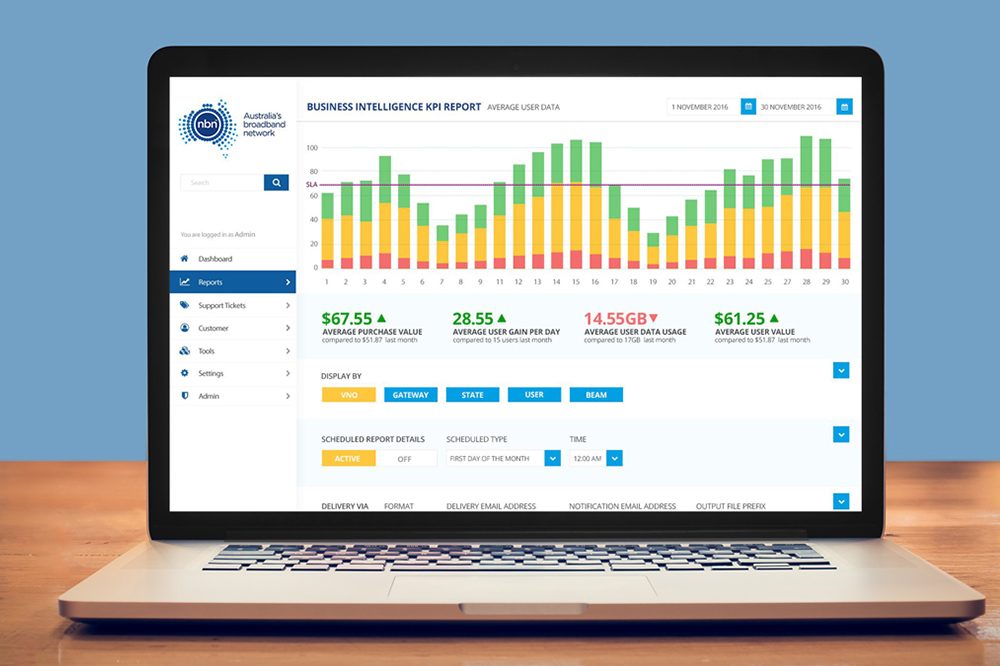
UI Admin redesign and development
UI Design / Web Design
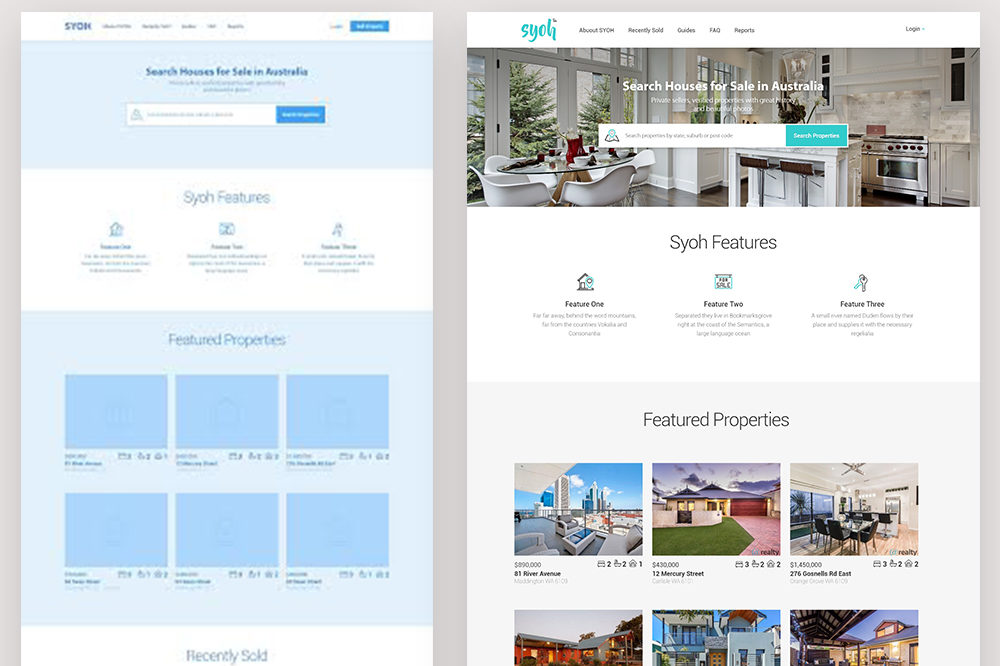
Syoh – UX/UI Design & Front End Development
UI Design / Web Design
UX, UI, Front End Development, WordPress Implementation
Front End Development / UI Design / UX Design / Web Design
UI Admin redesign
UI Admin redesign
UI Design / Web Design
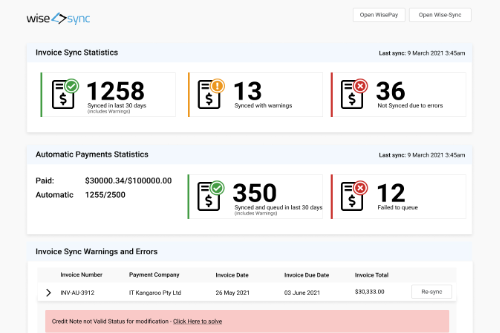
B2B – Payment Gateway – UX / UI Design and  Front End Development
B2B – Payment Gateway – UX / UI Design and Front End Development
App Design / Front End Development / UI Design / UX Design / Web Design
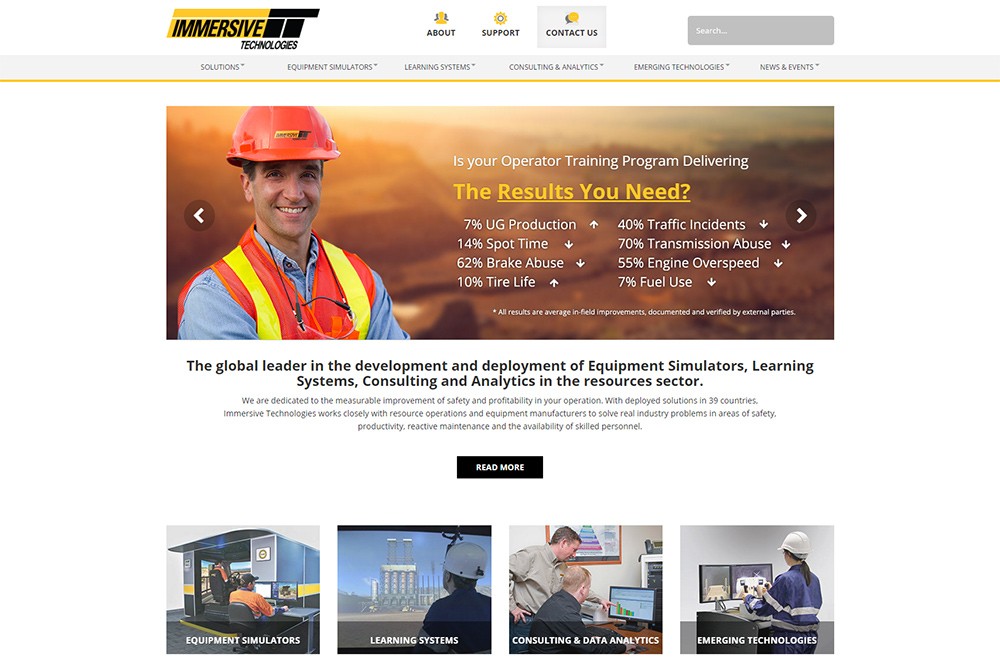
Immersive Technologies – Website Design & Development
Web Design

Design systems that actually get adopted

I’ve worked on design systems from both sides — as the designer building the Figma library, and as the engineer trying to implement it. I’ve seen more of them fail than succeed. The failure modes are almost always the same.

The technical problem is usually not the problem

Teams spend enormous energy on the right component API, the perfect token naming convention, the cleanest way to handle variants. These things matter. They’re not why design systems fail.

Design systems fail because adoption is treated as automatic. Someone ships a component library to npm, announces it in a company Slack, and assumes the rest of the org will migrate to it. They won’t.

What actually drives adoption

The system needs to be faster than the alternative. If a developer can copy-paste a quick component in 10 minutes, and using the design system component requires reading documentation, understanding a new abstraction, and filing a PR to add a missing variant, they will copy-paste. Every time.

The design system has to win on speed, not just quality. That means documentation with real working examples, not just props tables. It means codemods for common migration paths. It means a fast issue-to-resolution cycle when someone finds a gap.

Someone has to own the relationship with users. A design system without a dedicated maintainer who actively engages with the teams using it will drift. Features get requested, go unanswered, and teams build their own solutions. A year later you have three button components.

The best design system work I’ve seen treats the system as a product and its consumers as users who need to be listened to, not just shipped at.

Consistency of contribution matters more than perfection of process. Design systems that require a lengthy review and approval process for contributions die because teams can’t wait. The ones that set a clear quality bar and then trust contributors to meet it tend to grow into things that cover the org’s actual needs.

The Figma-to-code gap

The place where most design systems break down is the handoff between the Figma component and the implemented component. A prop exists in Figma that doesn’t exist in code. An interaction state exists in code that was never designed. The two drift within weeks of launch.

The only thing that actually closes this gap is regular, structured sync sessions between the designer maintaining the library and the engineer maintaining the code. Not documentation. Conversation.

We moved to a biweekly design system pairing session at one company — 30 minutes, designer and engineer, looking at the same screen. The gap stopped widening. It started closing.

What a good design system actually gives you

The value isn’t the component library. It’s the shared vocabulary it creates.

When a designer says “use the Alert component in the warning variant” and the engineer immediately knows what that means in code and in visual appearance — that’s the actual product of a design system. The rest is infrastructure.

That vocabulary takes six months to build and will outlast every technology choice you make.

The Role of Feedback in UX Design

In User Experience (UX) design, feedback is essential to creating effective, user-centred products and services. It helps designers understand user needs, identify potential issues, validate decisions, and continuously improve the experience over time. When used well, feedback becomes more than a review mechanism. It becomes a strategic tool that guides better design outcomes.

Understanding User Needs

Feedback creates a direct connection between designers and users. It provides valuable insight into user expectations, behaviours, preferences, and pain points. By actively seeking feedback through user interviews, usability testing, surveys, analytics, and customer support insights, designers can build a clearer understanding of their target audience.

This understanding allows design teams to make informed decisions rather than relying on assumptions. As a result, the final product is more likely to meet real user needs, solve meaningful problems, and deliver a more satisfying experience.

Supporting an Iterative Design Process

UX design is rarely a linear process. It is iterative, requiring ongoing testing, learning, and refinement. Feedback plays a central role in this cycle.

By sharing early concepts, wireframes, or prototypes with users and stakeholders, designers can identify what works, what needs improvement, and where the experience may fall short. Incorporating feedback early helps teams make adjustments before costly development work begins. This reduces risk and leads to a stronger, more user-focused final product.

Validating Design Decisions

Feedback also helps validate design decisions. Designers can use it to test whether a proposed solution is clear, usable, accessible, and aligned with business and user goals.

Presenting prototypes or design concepts to stakeholders, colleagues, or target users allows teams to assess whether the design is meeting its intended purpose. This process can reveal usability issues, gaps in functionality, unclear interactions, or missed opportunities. By responding to this feedback, designers can refine their work and ensure the final solution is both effective and relevant.

Identifying Blind Spots

Even experienced designers can overlook certain assumptions, edge cases, or user behaviours. Feedback helps uncover these blind spots.

Input from users, colleagues, developers, product managers, and other stakeholders can reveal perspectives that may not have been considered during the design process. This broader view challenges assumptions, improves decision-making, and often uncovers opportunities to make the experience more inclusive, intuitive, and valuable.

Encouraging Collaboration and Empathy

Feedback also strengthens collaboration across teams. When feedback is open, constructive, and focused on shared goals, it encourages better communication and more thoughtful decision-making.

It helps designers, developers, product managers, stakeholders, and users work together toward a common outcome. It also builds empathy by helping teams see the product from the user’s perspective. This is critical in UX design, where the goal is not only to create functional products, but also experiences that feel meaningful, accessible, and easy to use.

Driving Continuous Improvement

The value of feedback does not end once a product is launched. Post-launch feedback is critical for understanding how users experience the product in real-world conditions.

Through analytics, customer support data, reviews, surveys, and ongoing usability testing, teams can identify areas for improvement and prioritise future updates. This ensures the product continues to evolve in response to changing user needs, business goals, and technological developments.

Conclusion

Feedback is a fundamental part of the UX design process. It helps teams understand users, validate ideas, identify problems, improve collaboration, and support continuous product improvement.

By treating feedback as an ongoing source of insight rather than a one-time checkpoint, UX designers can create more effective, user-centred experiences. In a field driven by usability, accessibility, and user satisfaction, feedback is one of the most valuable tools for delivering products and services that truly meet the needs of their audience.

Why User Experience is Key to Customer Satisfaction

Customer satisfaction is the cornerstone of a successful business. It drives repeat purchases, positive word-of-mouth recommendations, and long-term customer loyalty. User experience (UX) plays a critical role in determining customer satisfaction, as it is the way that customers interact with a product and the key factor in their overall experience.

UX design is the process of creating products that provide a seamless, enjoyable, and satisfying experience for the end-user. It starts with research and continues through design, testing, and launch, with the goal of creating a product that meets the user’s needs, wants, and expectations.

Read more

How good website design drives traffic and sales

As a web designer I always put user first. The easiest, fastest, most intuitive way of achieving a goal is my first priority.

Now when there is around billion websites (based on internet live stats ) any user looking for any product on the internet has a choice.
If your website is not on first page of Google, it’s slow, not intuitive, doesn’t work on mobile devices or doesn’t seem legit, user will close your website in less than 4s and never come back.
Read more

[WordPress][Solved]Can’t install any plugin. WP asks for FTP details.

Sometimes I feel like development on a PC is much easier than on Mac. My experience so far is that the Mac just throws stuff at you – mostly permissions but dealing with them is probably more painful for me as I am fairly new Mac user.

So I tried to install a fresh WP website and got a prompt that they couldn’t generate the wp-config.php file. Ive copied the code and manually placed the file on hard drive, just to finish the installation. Then, when tried to install some plugins got asked about the ftp details (look below image). As i am running my local development version and don’t have and FTP server installed I thought that there definitely is a way of installing everything without FTP server.

Read more

[WordPress][fixed] couldn’t type space in form textareas and inputs

Funny how sometimes the investigation takes more time than actual fix itself.

As an only web designer in the company I need to deal with a lot of small bugs. Most of the time is browser incompatibilities or other small mostly CSS issues. But sometimes you come across something silly. This one was one of those things where fix is very simple but the process leading up to it was interesting. Thought I’d share. Read more

[instagram-feed feed=1]

Contact me

Check my social media!